
Everything Local, Delivered!
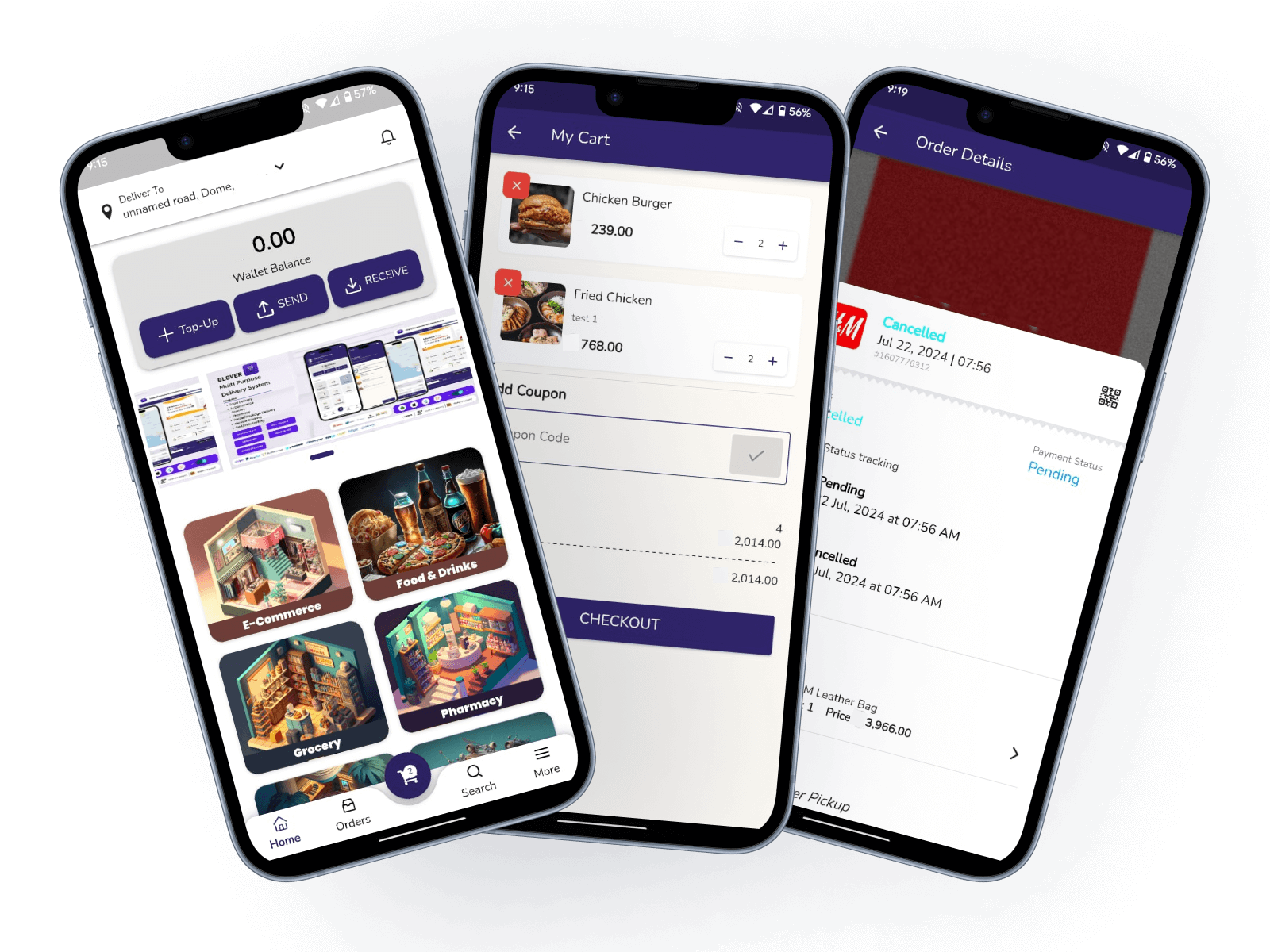
Ambata is a multi-service delivery app that allows you to order food, grocery, pharmacy, household items and more from your favourite local stores and restaurants.
Everything Local, Delivered!
Ambata is a multi-service delivery app that allows you to order food, grocery, pharmacy, household items and more from your favourite local stores and restaurants.
Ambata your go-to super app
Discover the powerful features that make Ambata your go-to super app for all your daily needs from food - grocery - mall - pharmacy and more.
Ordering
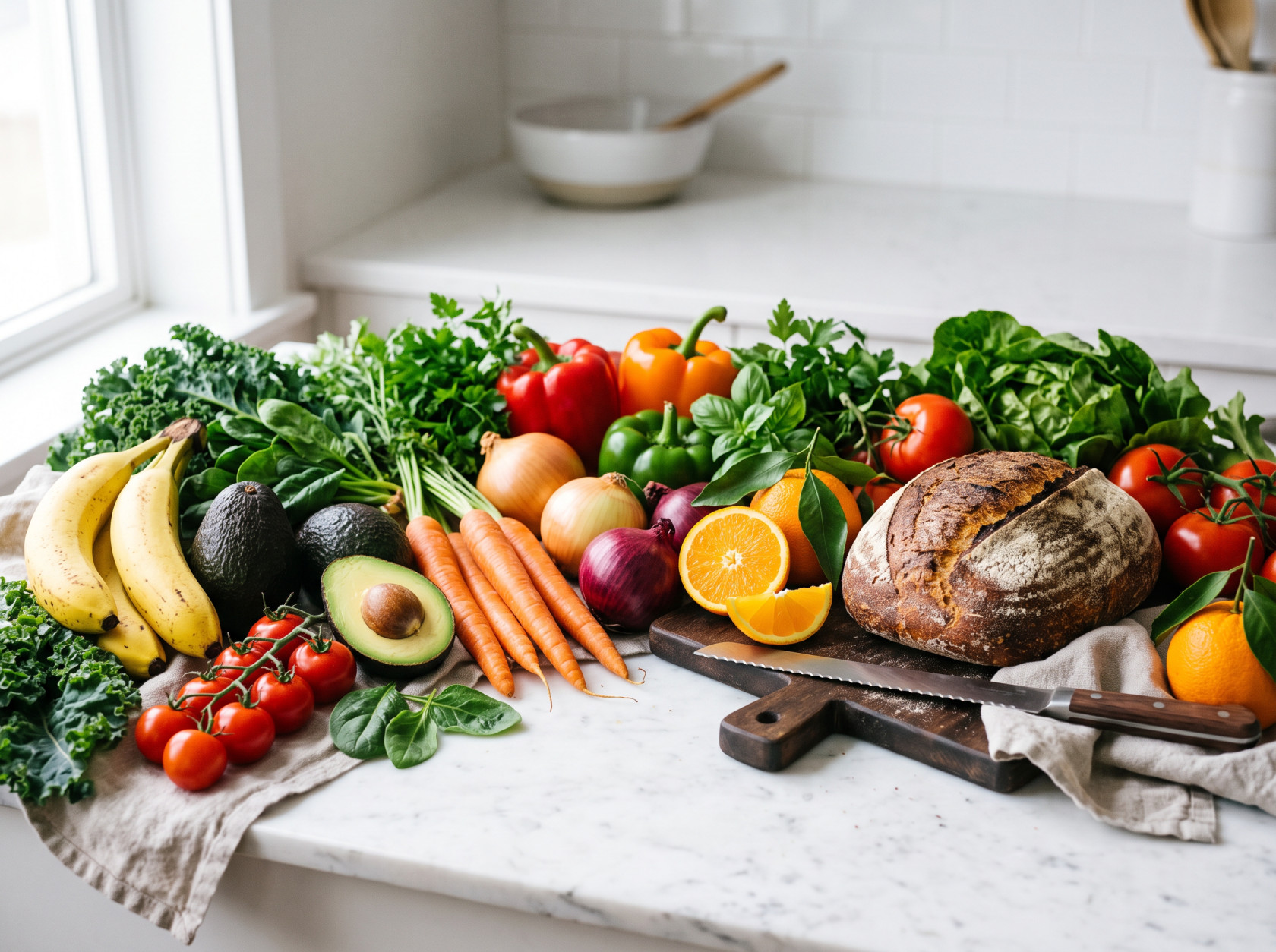
Enjoy your favorite meals from local restaurants delivered straight to your door. Choose from a wide variety of cuisines and restaurants to satisfy any craving.
Fast Delivery
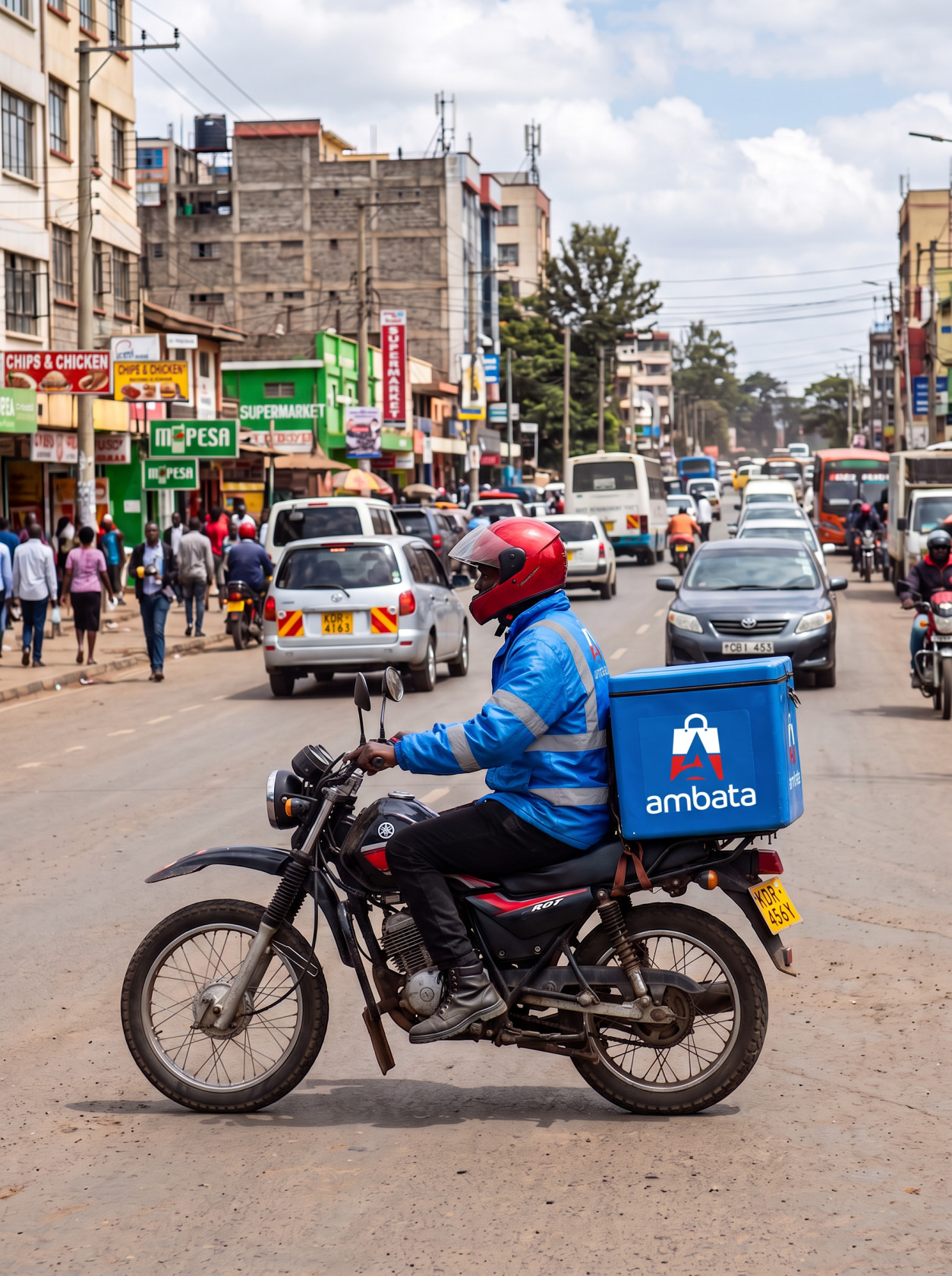
Get items delivered faster to your doorstep with ease
Cheaper & Better
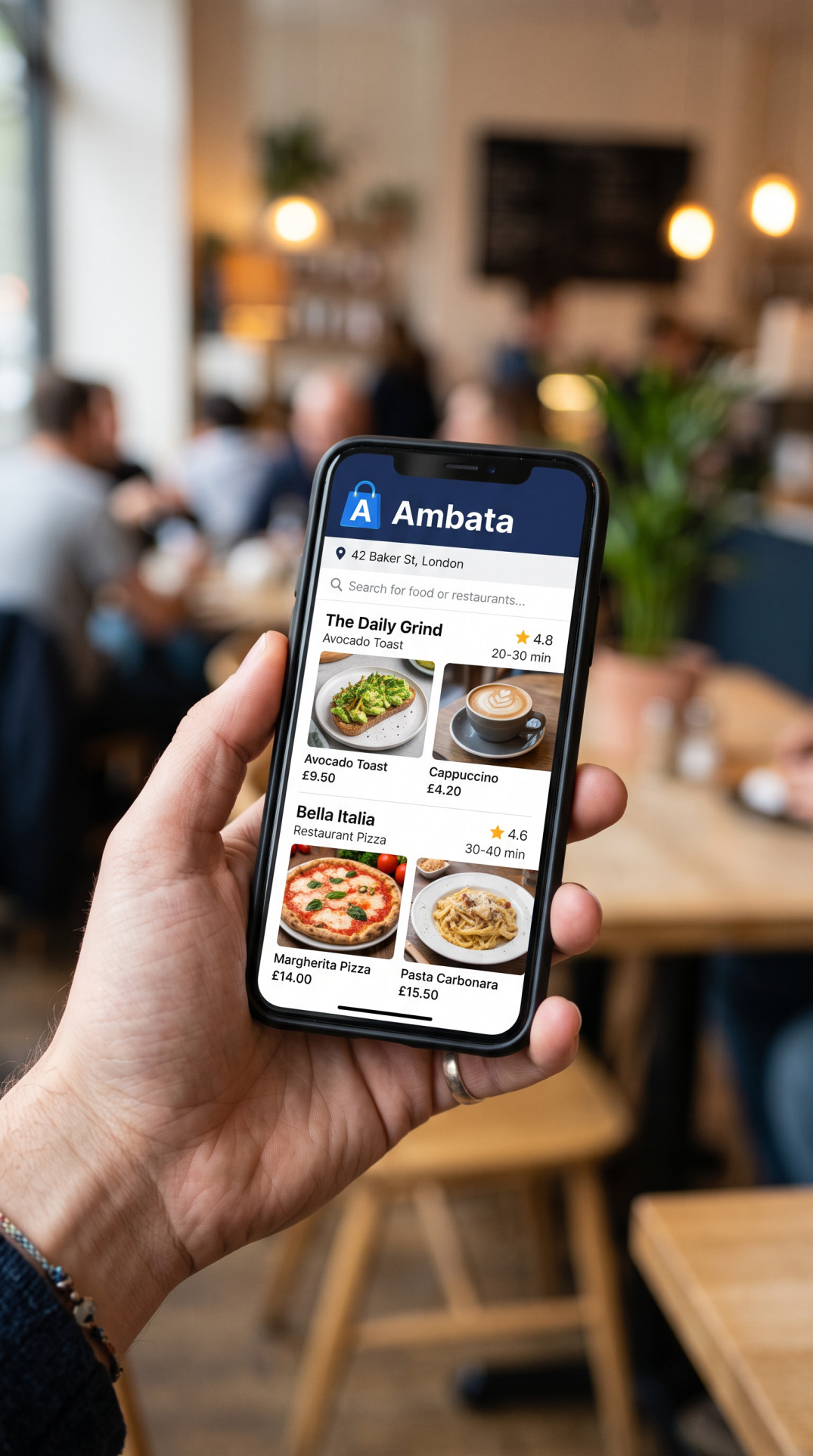
Ordering item should not be expensive, with less money you can still get quality item from Ambata
Join Us Today
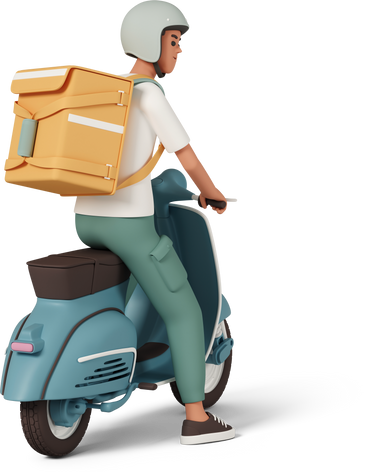
Drive for us
Join the Ambata team and become a part of our growing community of drivers! As an Ambata driver, you'll enjoy the flexibility, competitive earnings, and the satisfaction of providing a valuable service to your community.
Ready to join us? Sign up now and start your journey with Ambata today!
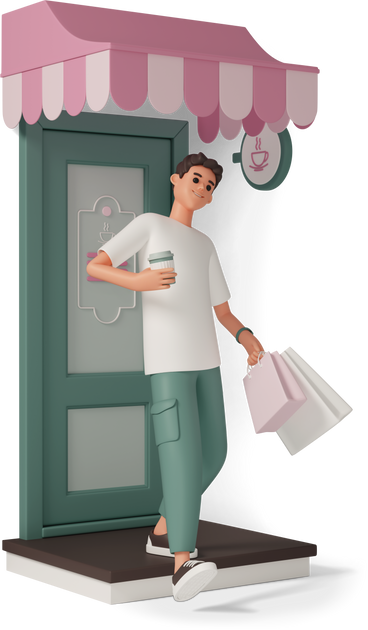
Sell with us
Join the Ambata team and become a part of our growing community of vendors! As a vendor on Ambata, you'll enjoy:
Ready to join us? Sign up now and start your journey with Ambata today!

About Us
At Ambata, we believe in making life simpler and more convenient. Ambata is built to connect customers with local businesses and essential services through a single digital ecosystem.
Our mission is to empower local commerce by providing fast, reliable, and affordable digital infrastructure that enables customers to access everyday services while helping vendors and independent workers grow their businesses.
Contact Us
We're always here to assist you with any questions or concerns you may have. Whether you need help with our services, have feedback, or just want to get in touch, feel free to reach out to us through the following channels:
Have questions or feedback? We're here to help! Reach out to our customer support team at info@ambata.co.ke or call us at +254 119 909 785 .
Your satisfaction is our priority, and we're committed to providing you with the best possible service. Thank you for choosing Ambata!
FAQs
Need help? Check out our FAQs to find answers to your questions.
How do I create an account?
Creating an account is easy and free!
Just download the Ambata app from your app store, open it, and tap on "Sign Up"/"Become A Partner" button on the login page/screen.
Fill in the required information, including your email address and a secure password, then follow the instructions to verify your email. Upload the required documents.
Once verified, you can start using all the features Ambata has to offer.
How do I place an order?
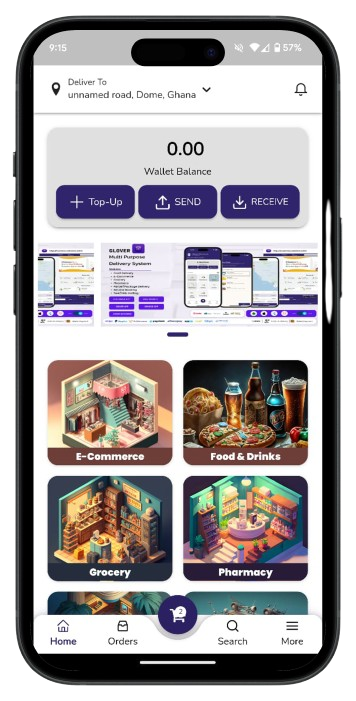
Ordering first is really easy. Just follow these steps:
Follow the steps required for each option and once you’re finished, a courier will accept your order and deliver it in minutes.
What can I order?
You can buy and receive products or services from any of the available vendors and service providers.
Want us to go to the pharmacy for you?
Need to buy a pair of shoes?
Want something to eat?
We mean it: Anything you want, delivered in minutes.
How do I find what I want?
At the bottom of your screen, there's a search bar that lets you find any product or establishment in your city.
How do I withdraw my earnings?
To withdraw your earnings, simply navigate to the "Earnings" section of the app.
From there, you can view your available balance and choose a withdrawal method, such as bank transfer or payout account info.
Follow the on-screen instructions to complete the withdrawal process.
Please note that there may be minimum withdrawal thresholds and processing times associated with each withdrawal method.
Are there any fees associated with withdrawing my earnings?
The driver app does not charge any fees for withdrawing your earnings. However, please be aware that third-party payment processors, such as banks, may impose their own fees.
Make sure to review their terms and conditions for any applicable charges.
How do I deliver an order to the customer using the driver app?
When you receive a new order, you will be provided with the customer's delivery address and any special instructions.
What should I do if I encounter any issues during the delivery process?
If you encounter any issues, such as difficulty locating the customer or items missing from the order, please use the in-app messaging or call the customer directly to resolve the issue.
If you're unable to complete the delivery for any reason, contact support for assistance.
How do I go online to start receiving orders?
To go online and start receiving orders, simply toggle the "Online" switch within the driver app.
Once you're online, you'll begin receiving order requests based on your availability and location.
Make sure to have your vehicle ready and be prepared to accept orders.
How do I go offline to stop receiving orders?
If you need to take a break or stop receiving orders temporarily, toggle the "Offline" switch within the driver app. This will prevent you from receiving new order requests until you go back online.
You can go offline at any time, but please ensure that you're not currently fulfilling an active order when doing so.